 RoadPlan
Truck GPS & trip planning
Plan the haul. Drive the route.
Build your trip around your destinations, fuel and driving hours. Review the stops, then start turn-by-turn truck GPS in the same app.
Free iPhone beta through Apple TestFlight.
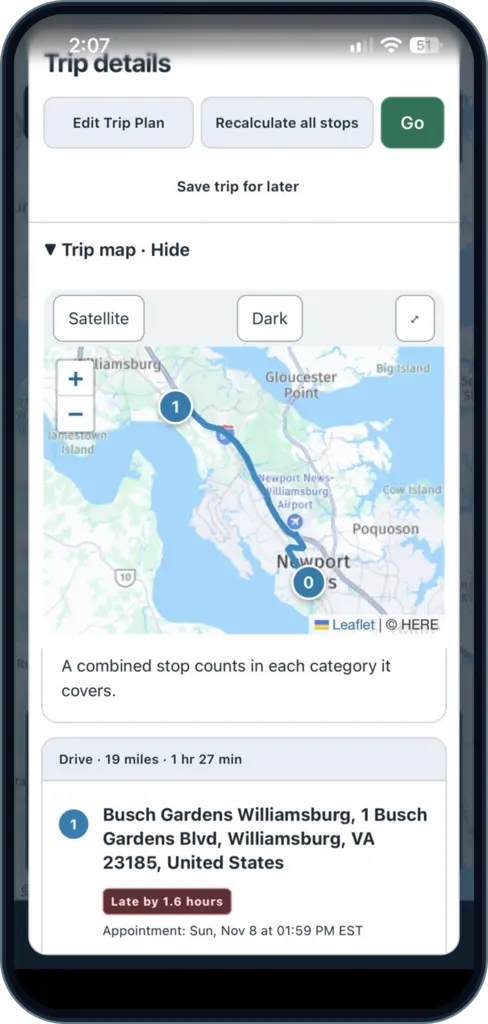
From dispatch to delivery
Know what’s ahead before you roll.
Put the route, stops and timing together before you start driving.
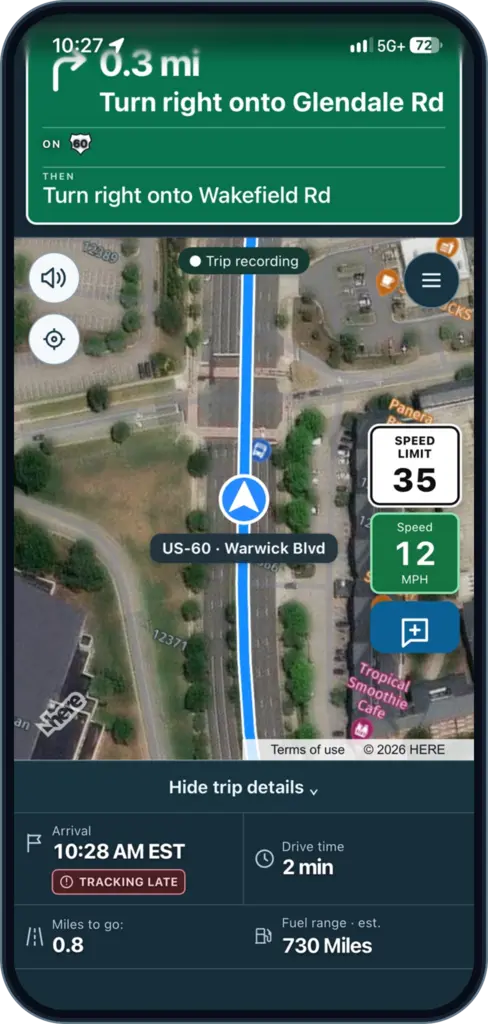
Truck GPS built around your rig
Use your truck profile to calculate a route and follow turn-by-turn guidance. See upcoming turns, available speed limits and trip progress on the map.
- Truck profile routing
- Turn guidance and trip progress
- Street, satellite and other map views
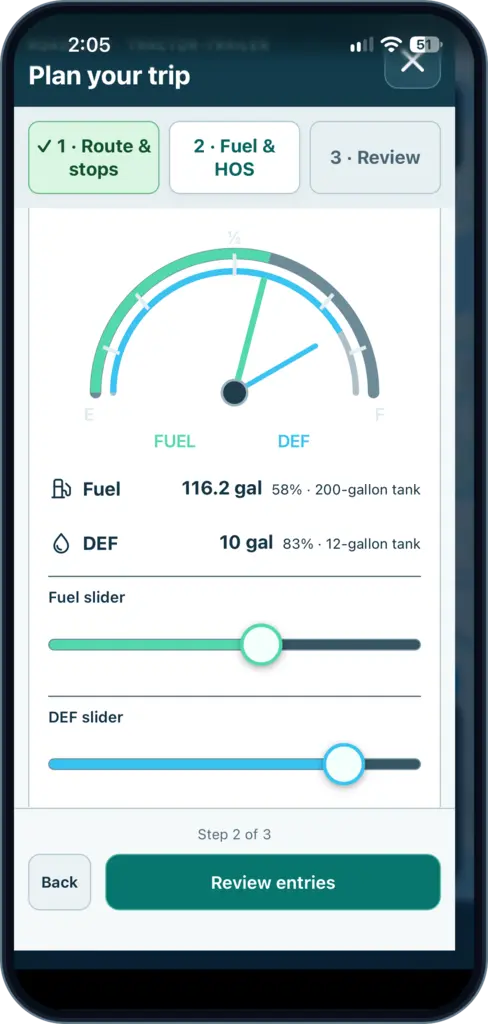
Fuel, rest and appointments in one plan
Enter your fuel level and available hours of service. Review estimated arrival times and suggested fuel or rest stops in driving order.
- Fuel and rest planning
- Driver-reported parking information where available
- Arrival estimates based on your inputs
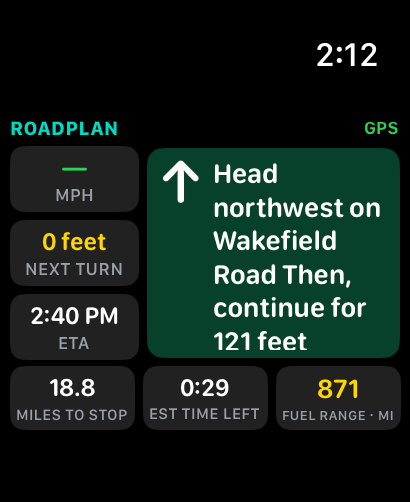
See trip guidance on Apple Watch
The RoadPlan companion shows your next instruction, estimated arrival and remaining distance while your iPhone runs navigation.
- 01 · Enter your trip
Add your starting point, destinations and appointments.
- 02 · Review the plan
Check fuel, driving hours and whether your rig can use each stop.
- 03 · Start GPS
Open guidance when you’re ready to roll.
Product walkthrough
See RoadPlan in action.
Follow a trip from planning to navigation, then explore the driver guide for more detail.
Free public beta
Take RoadPlan on your next trip.
Try trip planning and truck GPS on your iPhone. Send feedback through TestFlight when parked.
- Open the invitation on your iPhone.
- Install Apple TestFlight if prompted.
- Accept the invitation and install RoadPlan.
Frequently asked questions
Before you start
Does RoadPlan replace my ELD?
Use your ELD as your official record. RoadPlan uses the hours you enter to estimate trip timing and rest stops.
Can I use it with a tractor-trailer?
RoadPlan uses your truck profile to calculate routes. Follow posted restrictions and verify that each planned stop can accommodate your rig.
How do I get the public App Store release?
Check App Store availability. The free beta is available separately through TestFlight.